


How it works
- Someone emails one of your addresses. Resend receives it and calls your server’s
/api/incomingwebhook. - The server verifies the webhook signature, fetches and parses the raw message, and saves it in Firestore.
- A Web Push notification goes out to every device you have enabled notifications on.
- You open the web app, sign in with your Google account, and read or answer the mail. Replies and new mail are sent through Resend.
Features
- Your data, your database: mail lives in your Firestore, and you host the server
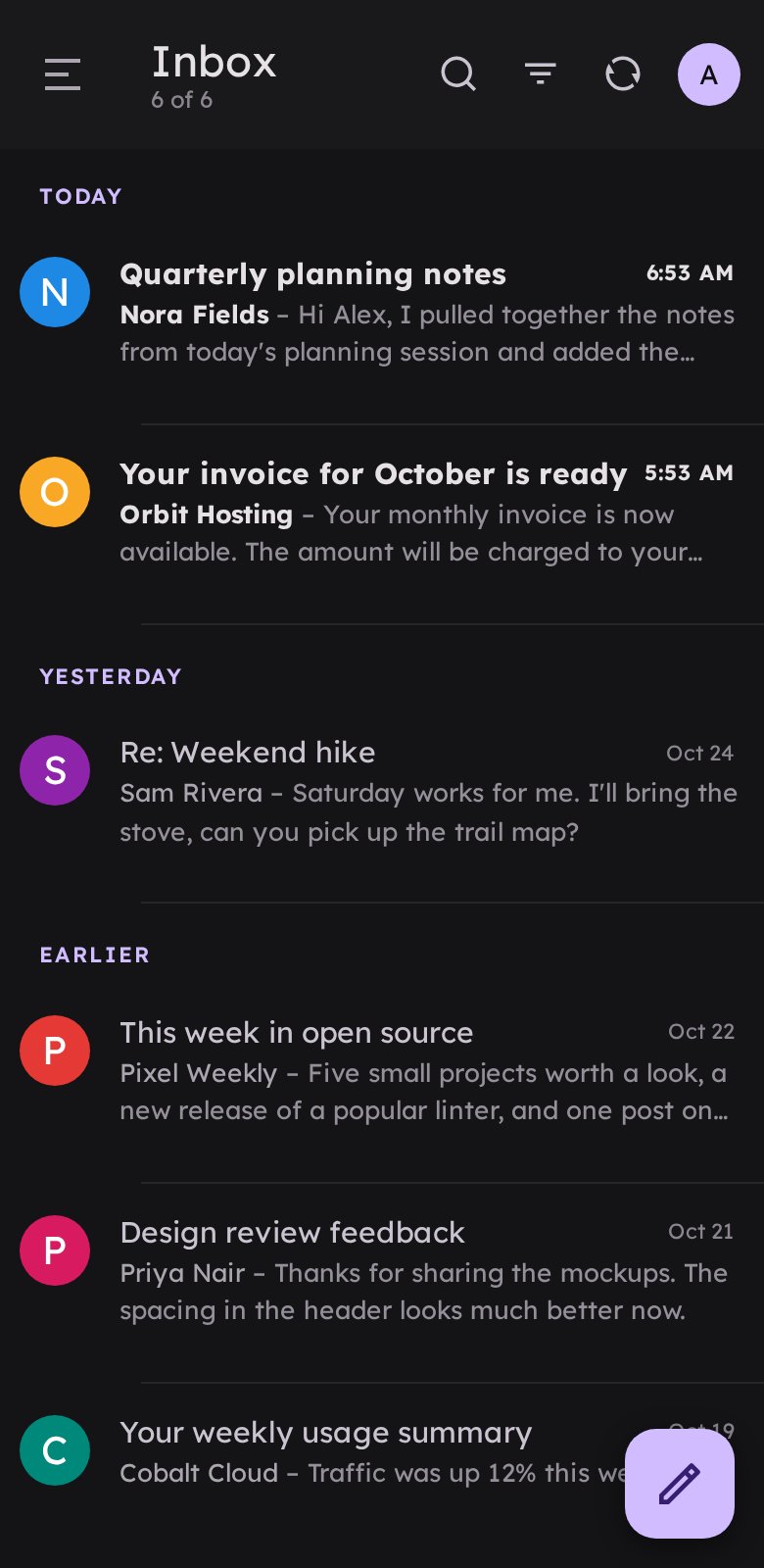
- Mobile-first PWA: installable, with an offline cache, swipe actions and pull to refresh
- Reply, forward and compose: from any of your own addresses, with replies threaded in the recipient’s mail app
- Push notifications: a tap on a notification opens the message right away
- Android app (optional): FCM notifications with Mark read, Delete and Reply buttons,
mailto:links and Share to Mailbox - Single owner: only one Google account can sign in, and the database is closed to everything except the server
- Extras: save a message as PDF, print it, share it, or open it in the Resend dashboard
Screenshots
Shown with made-up demo mail.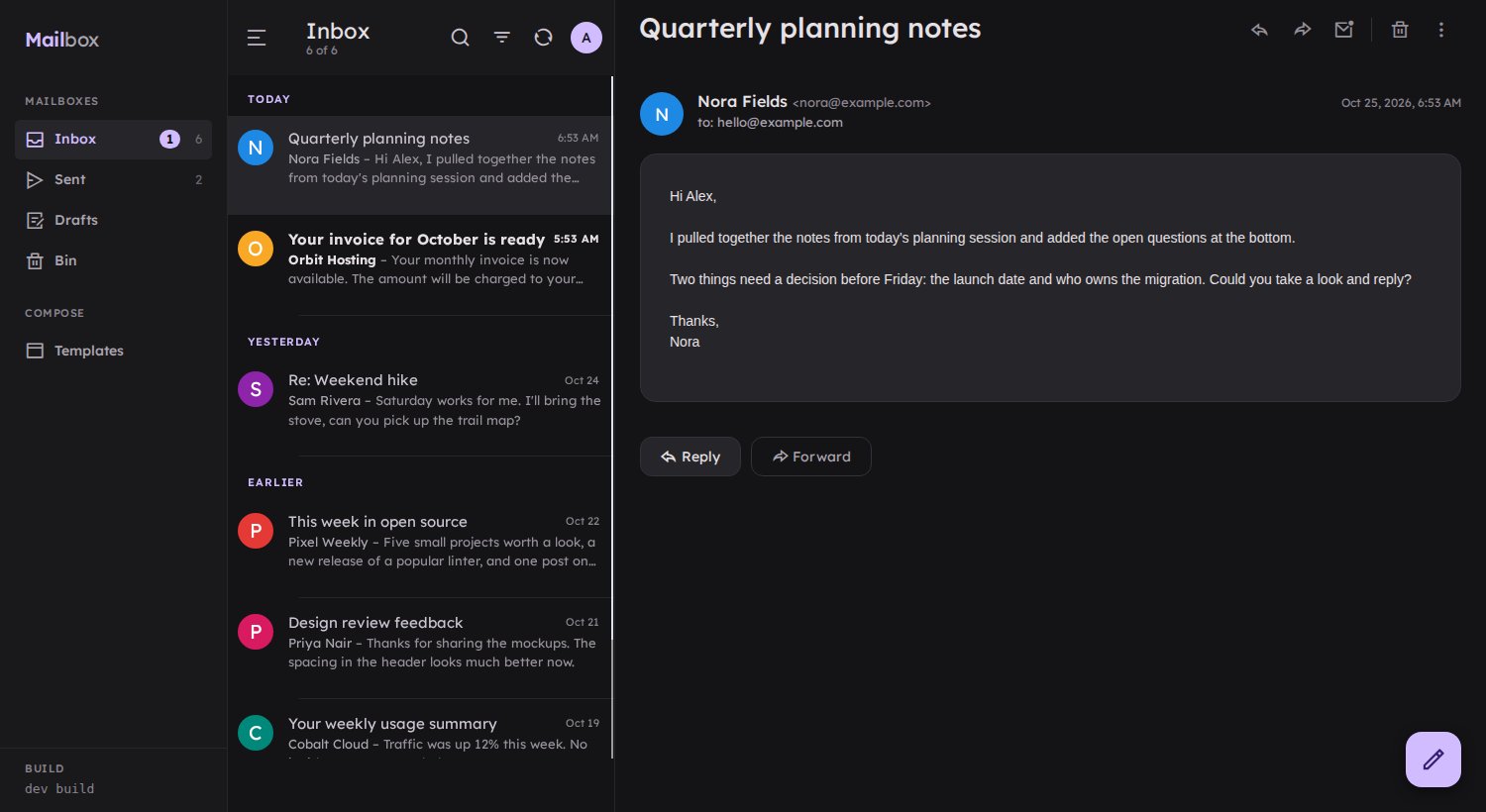
Get started
- Setup: Firebase, Resend, keys and deployment
- Using the web app: reading, composing, replying, forwarding
- Push notifications: how they work and device tips
- Android app: the APK, its notifications and how to build it
- API reference: the endpoints behind the web app
Not built yet
HTML templates and attachments on sent mail. Attachments are also not forwarded.License
Released under the MIT License. The interface is based on the MIT-licensed SmartMail template.Copyright © 2025–2026 Amit Dutta